> For the complete documentation index, see [llms.txt](https://coinstancy.gitbook.io/coinstancy/llms.txt). Markdown versions of documentation pages are available by appending `.md` to page URLs; this page is available as [Markdown](https://coinstancy.gitbook.io/coinstancy/tutorials/platform-deposit/depositing-via-bank-transfer.md).
# Depositing via bank transfer
#### Sign-up
To deposit your cryptocurrencies into your Coinstancy wallet, you must first [sign up](https://app.coinstancy.com/register) and then complete your identity verification.
#### Wallet activation
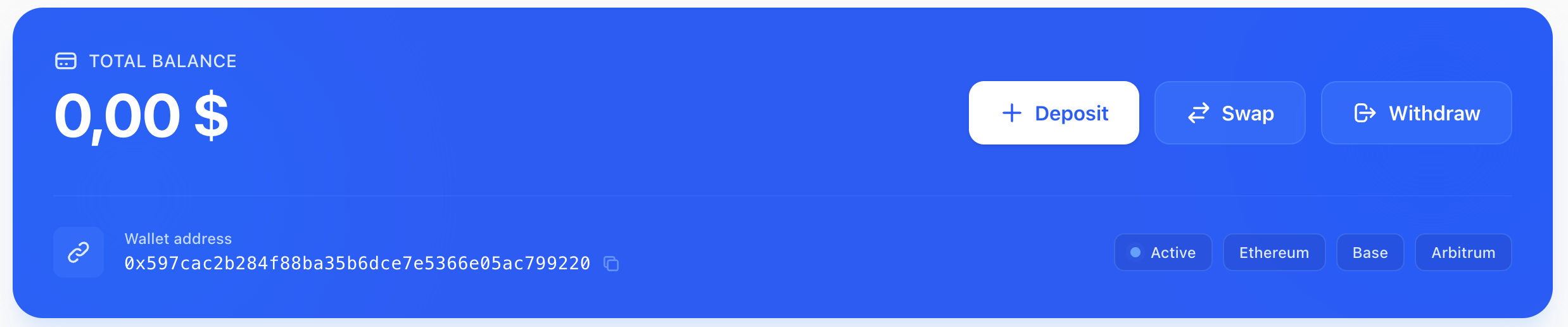
Once this step is completed, go to the [Wallet](https://app.coinstancy.com/c-wallet) page.
1. Click on **“Deposit.”**
2. Then select **“Fiat”.** You’ll need to choose your region based on your nationality: USA or Other.
\
You will then be redirected to the *Coinme* module for US users, or to the *Onramp* module for all other nationalities.
#### Deposit into your wallet
Once your bank transfer is completed, you will be credited in USDC.\
USDC are stablecoins, meaning dollars issued on the blockchain. These USDC can then be deposited into [Savings](/coinstancy/coinstancy/savings.md) or [Crypto baskets](/coinstancy/coinstancy/crypto-baskets.md), depending on your preference.